Invitation collection
Milestones Invitation Templates
Browse milestones invitation designs with editable wording, artwork, private sharing and digital RSVP tools.
7 invitation designs
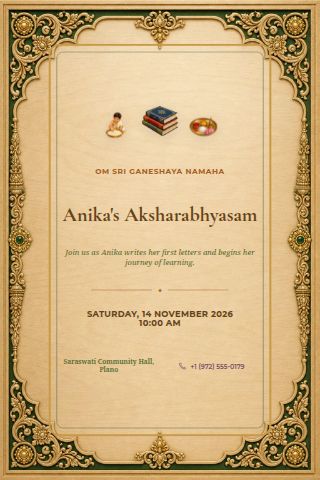 Aksharabhyasam
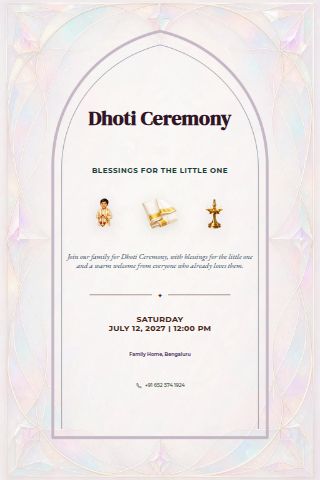 Dhoti Ceremony
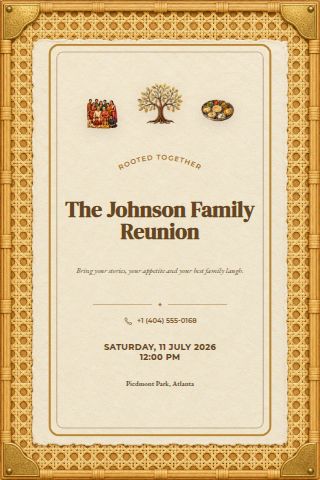 Family Reunion
 Graduation
 Half Saree
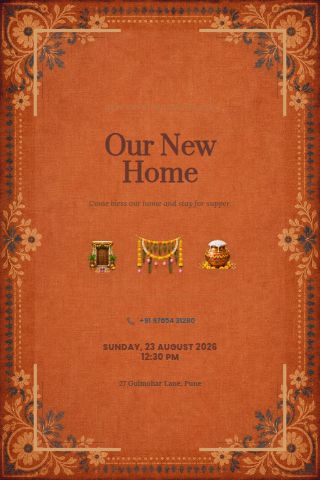 Housewarming
 Retirement
Give the milestone its own moment
Lead with the achievement or life event and the name of the person being celebrated. Explain whether the invitation is for a ceremony, a meal or an informal gathering afterwards. Add the date, address and reply deadline, and mention any arrangements guests should know before making travel plans.
What to put on your invitation
Write the event name, host names, date, start time and full venue address before adjusting the design. Add an end time if guests need to arrange transport or collection. For guests travelling from another region, spell out the month and include the time zone where it matters. Check the venue name and directions against your confirmed booking rather than copying details from an older invitation.
Personalize the design and wording
Open a starter in the invitation editor and replace the sample wording with your own details. Adjust the artwork, colours and text to suit the tone of your gathering. Keep essential information easy to read, especially on a phone screen. If you include more than one event, give each part a clear name, time and location so guests can tell which details belong together.
Make replies easy to manage
Choose a reply deadline that leaves you time to confirm numbers with the venue or caterer. Explain who the invitation covers and ask guests to tell you about any practical needs you must plan for. When using a digital guest link, check the invitation before sharing it through your chosen chat or text conversation. Review incoming replies as the date approaches and follow up with anyone whose plans are still uncertain.
Check everything before sharing
Read the finished invitation aloud and ask another host to check the names, date and address. Preview the design on a small screen to catch text that is hard to read. Make sure the wording tells guests what happens next, whether that is replying, saving the date or contacting the host. For more examples, read the invitation wording guide or explore the digital RSVP guide.